Introduction
On the server side, when we start building an application, most of the time we spend creating and handling routes.
In Express.js, creating routes and handling requests is very simple because Express abstracts away many low-level details. This makes development faster, cleaner, and requires less code.
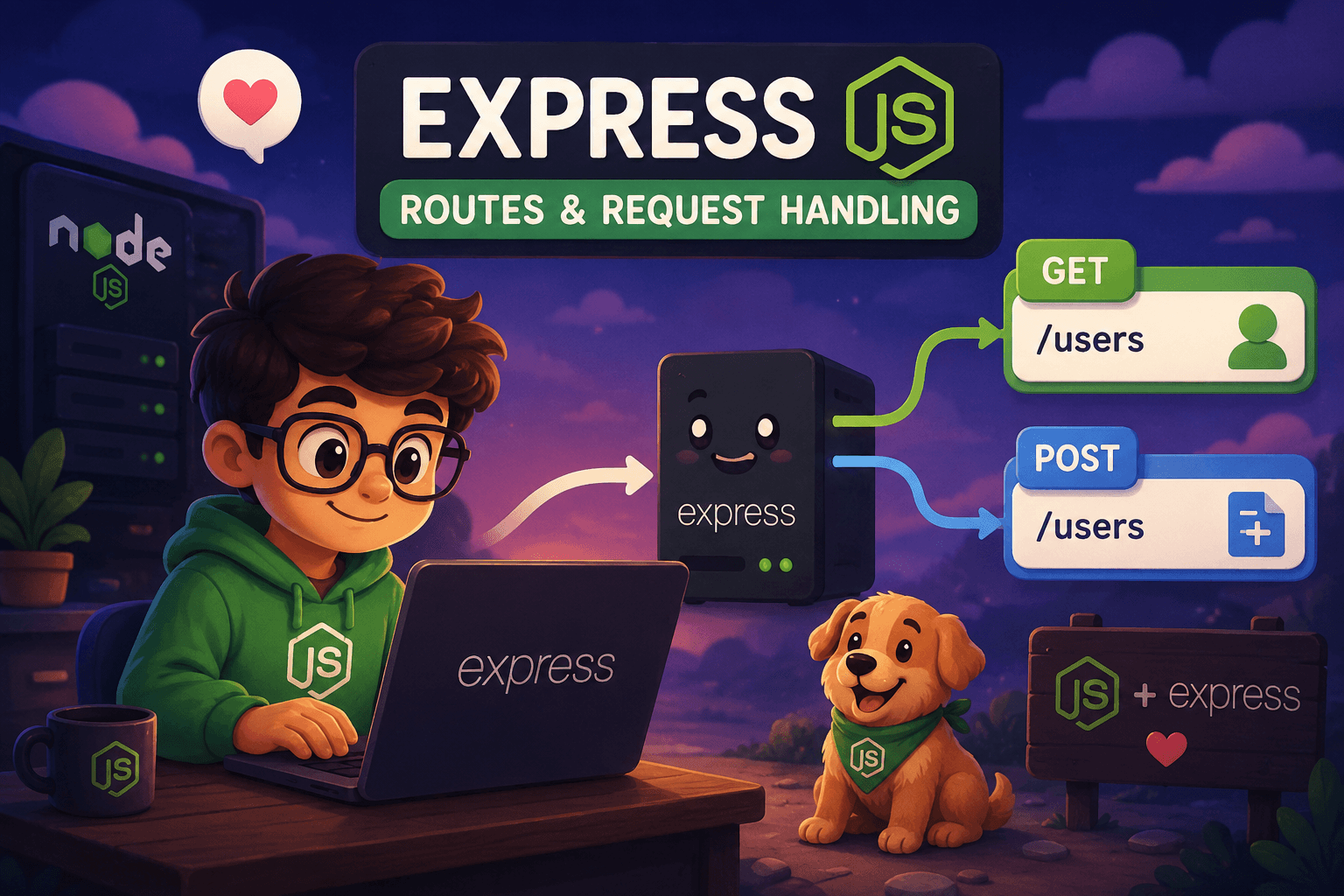
In this blog, we will focus on understanding Express.js routes and how they handle requests. It will be a practical, hands-on guide with less theory and more real examples.
What Express.js is?
Express.js is a Node.js web framework originally created by TJ Holowaychuk and first released in 2010. Since its initial release, Express.js has evolved significantly and has become one of the most widely used frameworks in the Node.js ecosystem.
Express.js is a fast, minimalist, and unopinionated web application framework for Node.js. It provides powerful features like routing, middleware support, and request-response handling while keeping the development process simple and flexible.
Because of its simplicity, flexibility, and huge ecosystem, Express.js is considered the most popular server-side framework in Node.js and is often the first choice for building APIs and web applications.
Express.js provides:
Routing: Easily define how your application responds to client requests at specific endpoints using HTTP methods like
GET,POST,PUT, andDELETE.Middleware: Functions that execute during the request-response cycle to perform tasks such as logging, authentication, and parsing request bodies (e.g., JSON).
Templating: Support for rendering dynamic HTML pages using engines like Pug, EJS, or Handlebars.
Static File Serving: Built-in capabilities to serve images, CSS, and JavaScript files directly from a directory.
Why Express Simplifies Node.js Development
Express simplifies Node.js development by providing a lightweight framework that abstracts away the complex, low-level tasks of building a web server. While Node.js provides the raw power to execute JavaScript on a server.
Express.js simplifies developement by:
Intuitive Routing: In raw Node.js, you must manually parse URLs and use complex conditional statements to handle different paths. Express provides a clean, declarative routing system (e.g.,
app.get(),app.post()) to manage HTTP requests effortlessly.Powerful Middleware: Express uses a middleware system that allows you to insert modular functions for tasks like logging, authentication, and error handling into the request-response cycle.
Vibrant Ecosystem: With a massive community, developers have access to thousands of ready-to-use third-party middleware packages through npm, meaning you rarely have to "reinvent the wheel" for common features.
Creating First Express Server
To create your first server in Express.js, the first step is to install Express in your project.
For that, open your project folder and create a server file with a .js extension (for example, server.js or index.js).
After that, you need to initialize your project so that Node.js can manage dependencies and project configuration.
Run the following command in your VS Code terminal:
npm init -y
This command will create a package.json file in your project directory.
Once the package.json file is created, your project is initialized and ready for dependency management.
Now you can install Express.js or any other dependencies required for your project. To install Express, run the following command in the terminal:
npm i express
Instead of npm, you can also use other package managers like pnpm or Bun, depending on your preference. All of them can install dependencies and manage your project packages efficiently.
Now, inside your server.js file, import Express and create an app variable by storing the Express instance in it.
Once the app is created, you can define routes and start the Express server using the .listen() method by providing a port number and a callback function.
const express = require("express");

const app = express();

// Route
app.get("/", (req, res) => {
  res.send("Hello World");
});

// Start server
app.listen(3000, () => {
  console.log("Server is running on port 3000");
});
express()creates an application instance.app.get()defines a route for handlingGETrequests.app.listen()starts the server and listens for incoming requests on the given port.
Handling GET Requests
To handle HTTP requests in Express.js, the app object provides access to different HTTP methods such as app.get(), app.post(), app.put(), and app.delete().
In our case, we are using the GET method with app.get() to handle incoming GET requests.
The first parameter of app.get() is the route path. When a request is made to that specific route, Express executes the route handler. GET request used to retreive data so we dont need to process anything.
The second parameter is the route handler function, which contains the logic for handling the request and sending a response back to the client.
const express = require("express");

const app = express();

// Handling GET request
app.get("/", (req, res) => {
  res.send("Welcome to Express.js");
});

app.listen(3000, () => {
  console.log("Server is running on port 3000");
});
Handling POST Requests
Just like GET, Express.js also provides the POST method to handle post requests using app.post().
A POST request is generally used to create a new resource, so it usually carries data inside req.body (and sometimes in req.params or req.query).
Before executing the main route handler, we often use middleware functions to validate or process the incoming data. Once the data is validated, the route handler executes and performs the required business logic, such as database operations, creating records, or processing user input.
const express = require("express");

const app = express();

// Built-in middleware to parse JSON data
app.use(express.json());

// Validation middleware
function validateUser(req, res, next) {
  const { name, email } = req.body;

  if (!name || !email) {
    return res.status(400).json({
      message: "Name and email are required",
    });
  }

  next();
}

// Handling POST request
app.post("/users", validateUser, (req, res) => {
  const { name, email } = req.body;

  // Business logic
  res.status(201).json({
    message: "User created successfully",
    user: { name, email },
  });
});

app.listen(3000, () => {
  console.log("Server running on port 3000");
});
Sending Responses
Every route handler or middleware in Express.js has access to the res (response) object. Once a request is successfully processed—or if it fails—we use the response object to send a response back to the client.
For example, if a request fails, we can send an error response along with the appropriate HTTP status code. Similarly, if the request is successful, we can return a success response with data.
In most cases, a response contains:
Status code → tells the client whether the request was successful or failed
Message → provides information about the result
Data → contains the requested or processed data
The client-side application can then use this response to display information or error messages to the user.
like here we return response using return res.status().json()
app.post("/users", validateUser, (req, res) => {
  const { name, email } = req.body;

  return res.status(201).json({
    message: "User created successfully",
    user: { name, email },
  });
});
Conclusion
Express.js is one of the most popular web frameworks used for building Node.js applications. It provides an easy and flexible way to handle routing, middleware, and server-side logic, making backend development faster and simpler.
However, Express.js is not the only framework in the Node.js ecosystem. There are several other powerful frameworks like NestJS, Fastify, and Hono, each with their own strengths and use cases.
I hope you enjoyed this blog and gained a practical understanding of Express.js and how routing works.